In short
A digital menu board on an Android TV needs three things: text that is readable from the queue (cap height of at least 1 cm per metre of viewing distance), a layout that matches the screen orientation, and a way to change prices without a designer. PlainSignage gives you five menu designs, schedules that switch breakfast to lunch automatically, Google Sheet menus and price edits from your phone, for €14.99 per month per screen.
Portrait or landscape?
Landscape suits wide counters and boards with two or three columns (drinks left, food right). Portrait suits narrow spaces beside a counter and long single-column lists, and it reads like a printed menu. Most Android TVs can be wall-mounted in portrait; the menu board widget reflows its columns when you switch the playlist to portrait, and templates re-stack automatically.
If you have two screens, use one per category group rather than cramming everything on one: coffee and pastries on the left screen, lunch on the right.
The five menu designs
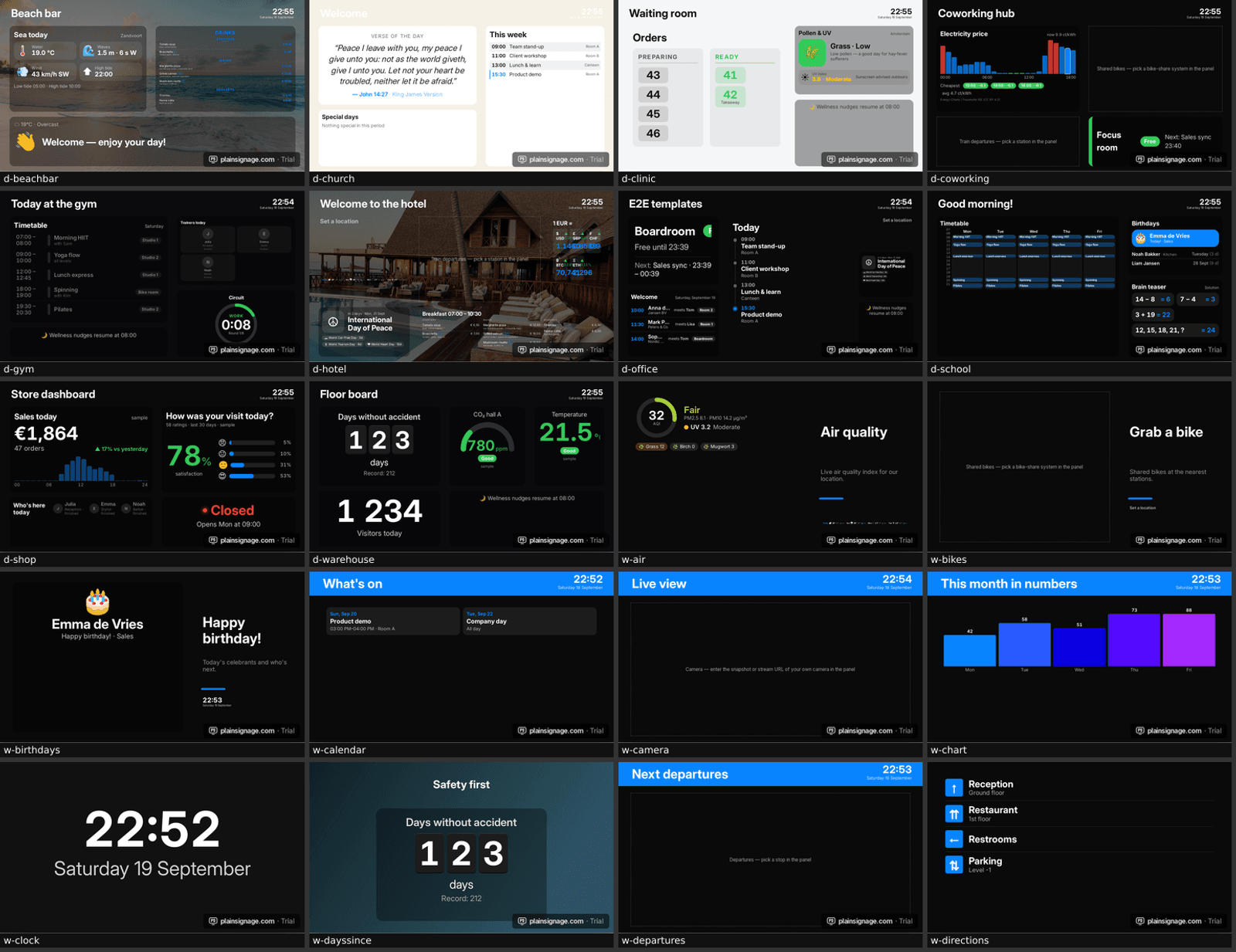
The menu widget ships with five designs so you can match the room without a designer. Classic is a printed-menu look with dotted leaders; Modern uses bold names and coloured price pills; Board is a chalkboard-style layout for cafés; Cards puts each item in a tile with an optional photo, good for burgers and bowls; Minimal is a clean list for bars and fine dining. All five support one to three columns, section headers, badges like “new”, “vegan” or “spicy”, and any currency.
- Classic — dotted leaders, serif option, restaurants
- Modern — coloured price pills, cafés and takeaways
- Board — chalkboard feel, coffee bars
- Cards — item tiles with photos, fast food
- Minimal — thin type, bars and hotels
Dayparting: breakfast, lunch, dinner
Make one slide per menu and let a schedule switch them: breakfast until 11:00, lunch until 16:00, dinner after that, and a happy-hour slide on Friday from 17:00. Schedules are per screen, so the terrace screen can differ from the bar. Add an opening-hours widget or the open/closed status to the same slide and the board also tells passers-by when the kitchen closes.
Updating prices from your phone
The console works on a phone. Open the slide, tap the item, change the price, publish: the TV updates within a second, and every screen that plays the same playlist updates with it. Sold out? Toggle the item off instead of deleting it. For seasonal menus keep a second playlist ready and switch the screen to it in one tap.
Try it on your own TV
14-day free trial, no credit card. Your first screen is live in three minutes.
Allergen icons and legal lines
EU rules require allergen information to be available; many venues show icons next to items. Use the badge field for short codes (G for gluten, L for lactose, V for vegan) and add a legend line at the bottom of the board, or link a QR code to your full allergen list. Keep the legend in the same font size as descriptions, not smaller.
Examples per cuisine
Coffee bar: Board design, two columns, drinks left with sizes as badges, pastries right, a promo tile for the seasonal drink. Pizzeria: Cards design with photos, three columns, one slide per category rotating every 12 seconds. Bar: Minimal design, portrait screen beside the taps, happy-hour schedule. Hotel breakfast: Classic design in three languages on a schedule that rotates the language every 20 seconds. Restaurants of every kind are covered on the restaurants page.
Frequently asked questions
Which TV do I need for a digital menu board?
Any Android TV, Google TV, Fire TV or a cheap Android box behind an ordinary TV. A 43–55-inch screen suits most counters; use two screens rather than a tiny font.
Can I show photos of dishes?
Yes, the Cards design shows a photo per item. Use your own photos: stock food photos are recognisable and, depending on the licence, not always allowed on commercial screens.
How do I change the menu at lunch automatically?
Create one slide per menu and add a schedule to the screen: breakfast until 11:00, lunch until 16:00, dinner afterwards. The switch is automatic and per screen.
Can my staff update prices?
Yes, from any phone or laptop with the console, or through a Google Sheet with the Live sheet widget. Changes appear on the TV within a second.
What does a menu board cost per month?
PlainSignage is €14.99 per month for the first screen and €4.99 for each extra screen, all designs and widgets included, after a 14-day free trial.