In short
A gym timetable screen shows today's classes with the current one highlighted, the whole week as a grid, or a big 'now / next' view at the studio door, and updates itself from the schedule you type once. With PlainSignage you add the timetable widget to a slide, pair an Android TV or Fire TV, and it runs on the TVs you already have for €14.99 a month for the first screen and €4.99 for each extra one.
Why a printed schedule stops working
Class schedules change every week: a trainer is ill, a Saturday spin class moves, a new yoga slot fills up. The printed sheet at the desk is out of date by Tuesday, members ask at reception, and the Instagram post from last week says something else. A screen that reads from one schedule fixes this: change the slot once in the browser and the entrance TV, the studio door and the website widget all show the new time within seconds.
The timetable widget: three views for three places
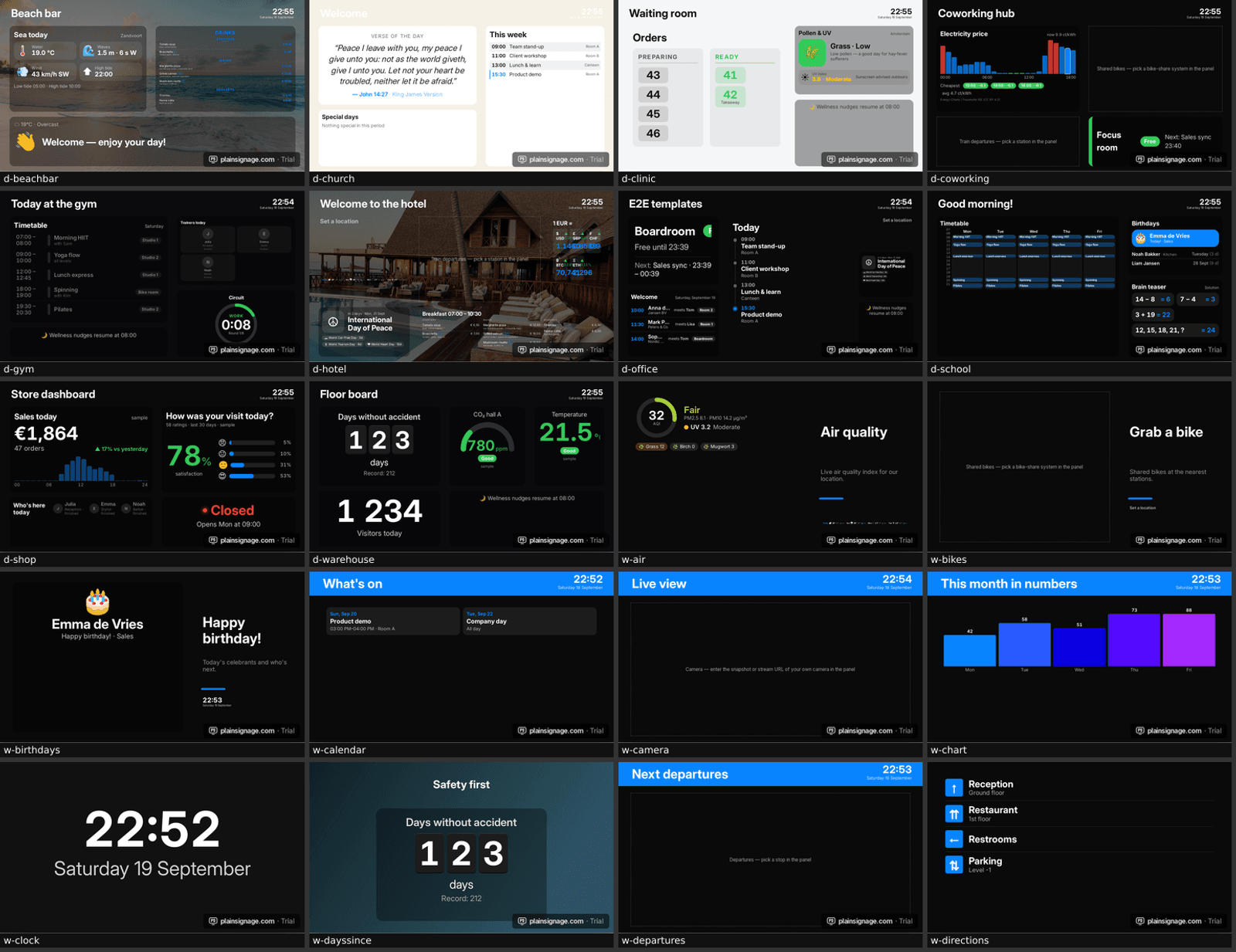
The weekly timetable widget takes a list of slots — weekday, start, end, title, subtitle, room, colour — and renders it in three designs. 'Today' lists today's classes with the current one highlighted and the minutes left; that is the entrance screen. 'Week' is the full grid with a red now-line, good for the reception wall. 'Now / next' shows one big current class and the next one, made for a small screen at each studio door.
Slots can repeat every day (day 0) or on specific weekdays, and you can paste a whole week from a spreadsheet in one go: one line per slot, like '1, 09:00-10:00, Yoga flow, with Kim, Studio 2'.
- Today: list with the running class highlighted and a countdown
- Week: 5- or 7-day grid with a now-line, optional weekend
- Now / next: big class name, trainer and room for studio doors
- Colours per class type so members recognise HIIT, yoga, spinning at a glance
Set it up in ten minutes
Create a free account, add a screen with the 6-letter pairing code from the TV, and start from the 'Gym board' template or the 'Today's timetable' template. Replace the sample slots with your own — paste from your spreadsheet — and publish. From then on you only edit the schedule; the screens follow.
Put the timetable on a slide that stays up all day, and add a second slide for promotions or a third with the interval timer for the functional area. Playlists rotate slides; schedules can switch to a 'closed' slide at night.
Try it on your own TV
14-day free trial, no credit card. Your first screen is live in three minutes.
Interval timer on the studio screen
The interval timer widget runs work/rest rounds on the wall clock, so every screen in the building shows the same second. Set 45 s work, 15 s rest, 8 rounds and a 10-second get-ready, pick the ring or split design, and trainers can run a circuit without a phone in their hand. Because it follows the wall clock it also survives a screen reboot.
Staff on duty and small touches members notice
The staff on duty widget shows who is working today with photo, role and hours: 'Julia, reception, until 16:30' next to the timetable removes the most common question at the desk. A wellness nudge band ('Refill your bottle', 'Stretch your neck') keeps the screen alive between classes, and the smiley feedback widget lets members rate the class from their phone — the score shows live on screen and you see the trend per week.
A two-screen setup and what it costs
Most studios need two screens: one at the entrance with the week grid, one at the studio door with now/next. Both can be TVs you already own; a €35–50 Android TV stick turns any HDMI screen into a player. The software costs €14.99 a month for the first screen and €4.99 for the second, so €19.98 a month in total, with every widget included and no contract. Add a third screen in the functional area for the timer for another €4.99.
Compared with printing weekly sheets and answering the same questions at reception, most gyms recover that in staff time within the first week.
- Entrance TV: week grid + staff on duty + promotions slide
- Studio door: now / next in large type, portrait if the screen is mounted vertically
- Functional area: interval timer + wellness nudges
- Total: €19.98/month for two screens, €24.97 for three; 14-day free trial first
Tips from real gym screens
Keep class names short so they fit the grid; put the trainer in the subtitle. Use portrait orientation for door screens — the console reflows layouts automatically. Switch the timetable to a 'closed' slide with screen hours, so the TVs turn off at night and save power. Point the opening hours widget at the reception screen so holiday hours are always right.
Frequently asked questions
Can the timetable come from a Google Sheet?
Yes: keep your schedule in a sheet, publish it as CSV and show it with the live sheet widget, or paste the rows into the timetable widget once a week for the highlighted 'now' behaviour.
Do screens show the right time zone?
The player uses the TV's own clock and time zone, so a studio in Madrid and one in Amsterdam each highlight the right class.
What if the internet drops during a class?
Content is cached on the player. The timetable keeps running from the local clock and reconnects by itself.
Can trainers edit the schedule from their phone?
The console works on tablets and phones for edits like moving a slot or changing a trainer; the full designer is best on a laptop.